How to Generate AI Photos of Yourself in Any Setting (2026 Guide)
The complete beginner's guide to generating realistic AI photos of yourself — face upload techniques, which tools work best, and how to get photorealistic results on the first try.
Generating AI photos of yourself used to require prompt engineering skills, expensive software, and a lot of patience. In 2026, you can do it in under two minutes with nothing but a phone selfie and a text prompt.
Here's the honest beginner's guide — no hype, no affiliate links, just what actually works.
What You Actually Need
Two things: a face photo and a text prompt.
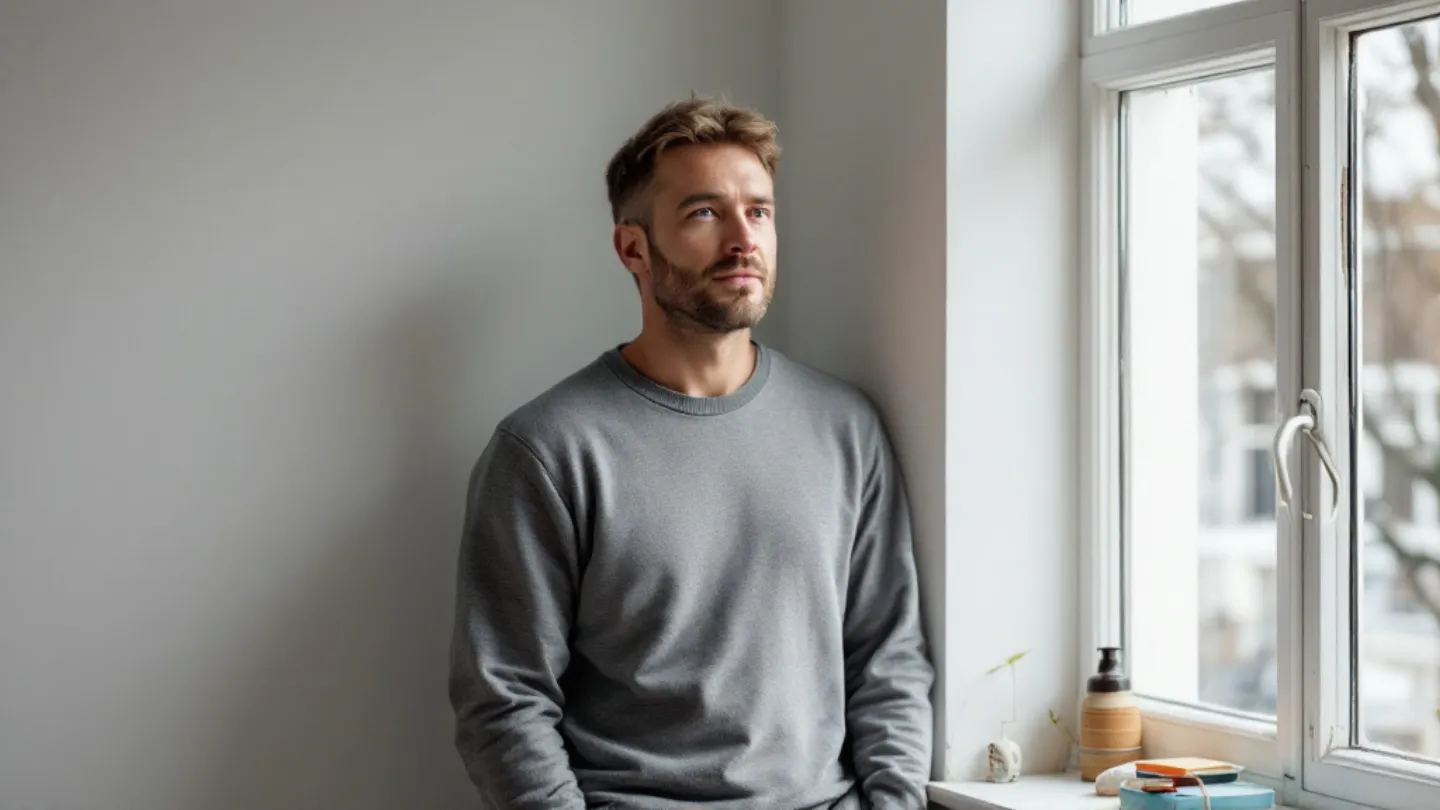
The face photo doesn't need to be professional. A well-lit selfie near a window works perfectly. What it needs is clarity — your face clearly visible, no sunglasses, no other people, no heavy shadows across your features.
The prompt is the description of the scene you want to appear in. The more specific your prompt, the more accurate and photorealistic the result. "A man on a yacht" gets you something generic. "A well-dressed man in a navy double-breasted suit leaning against the railing of a luxury motor yacht, Mediterranean coastline in the background, golden hour light" gets you something that looks like an editorial photo.
Which AI Tool to Use
Multiple tools can generate AI photos with your face. Here's an honest breakdown:
Google Gemini is the most accessible. It's free (with daily limits), you can upload your face photo directly in the chat, and you don't need an account beyond a standard Google login. Pro mode produces noticeably better results than the default. This is what PROMPTMVSTR prompts are optimized for.
Midjourney has a face reference feature (the --cref flag) that produces excellent results, but requires a paid subscription and works through Discord — which adds friction for most people.
Adobe Firefly has face-reference capability in some products but is more oriented toward stock asset creation than lifestyle photography.
For most people: start with Google Gemini. It's free, it works, and the results with a good prompt are genuinely impressive.
The Step-by-Step Process
Step one: take a reference face photo. Stand near a window, face the camera directly, neutral expression. Save it.
Step two: find or write a prompt. If you're using PROMPTMVSTR, browse the gallery and copy the exact prompt from any post. If you're writing your own, describe the setting, your outfit, the lighting, and the camera style in detail.
Step three: open Google Gemini in your browser. Switch to Thinking or Pro mode — the toggle is usually in the top area of the chat interface.
Step four: paste your prompt into the chat box. Upload your face reference photo in the same message. Hit enter.
Step five: evaluate the result. If it's close, use Gemini's edit feature to refine specific details. If it's way off, check your prompt specificity and face photo quality.
Why Some Results Look Fake
The "AI look" — the uncanny, clearly-not-real quality — almost always comes from one of three things.
Bad lighting in the reference photo. If your face photo has harsh shadows, mixed color temperatures, or is blurry, the AI can't accurately map your features to the new scene. Fix the source photo, fix the output.
Too-vague prompts. Generic prompts produce generic results. "Man at beach" gives you something that looks like stock art. Specific prompts — exact outfit, location, lighting style, camera angle — give the AI what it needs to build a real-looking scene.
Wrong mode settings. Gemini's default mode is optimized for speed, not quality. Switch to Pro or Thinking mode before every generation. This is the single biggest lever most people never touch.
Setting Realistic Expectations
The AI generates your likeness, not an exact pixel-perfect copy of your face. It captures your general features — face shape, skin tone, hair, structure — but small details shift between generations. This is normal and it's what makes each image unique.
For social media content, profile pictures, and aspirational lifestyle imagery, the results are more than good enough. For anything requiring precise facial accuracy, AI generation isn't the right tool.
Getting Consistent Results
The biggest mistake beginners make is generating once, disliking the result, and giving up.
Generate 3–4 versions of the same prompt and pick the best. Small details vary between each — the lighting might be slightly different, the composition a bit tighter. Multiple generations give you options.
Keep your best reference face photo saved and use it every time. Consistency in the input produces consistency in the output.
And if you want a library of prompts that are already tested and guaranteed to produce high-quality results in luxury lifestyle settings — that's exactly what PROMPTMVSTR is for. Browse the archive, copy any prompt, paste it into Gemini with your face photo. That's the entire workflow.